Table of Contents
GitHub Copilot Quick Facts
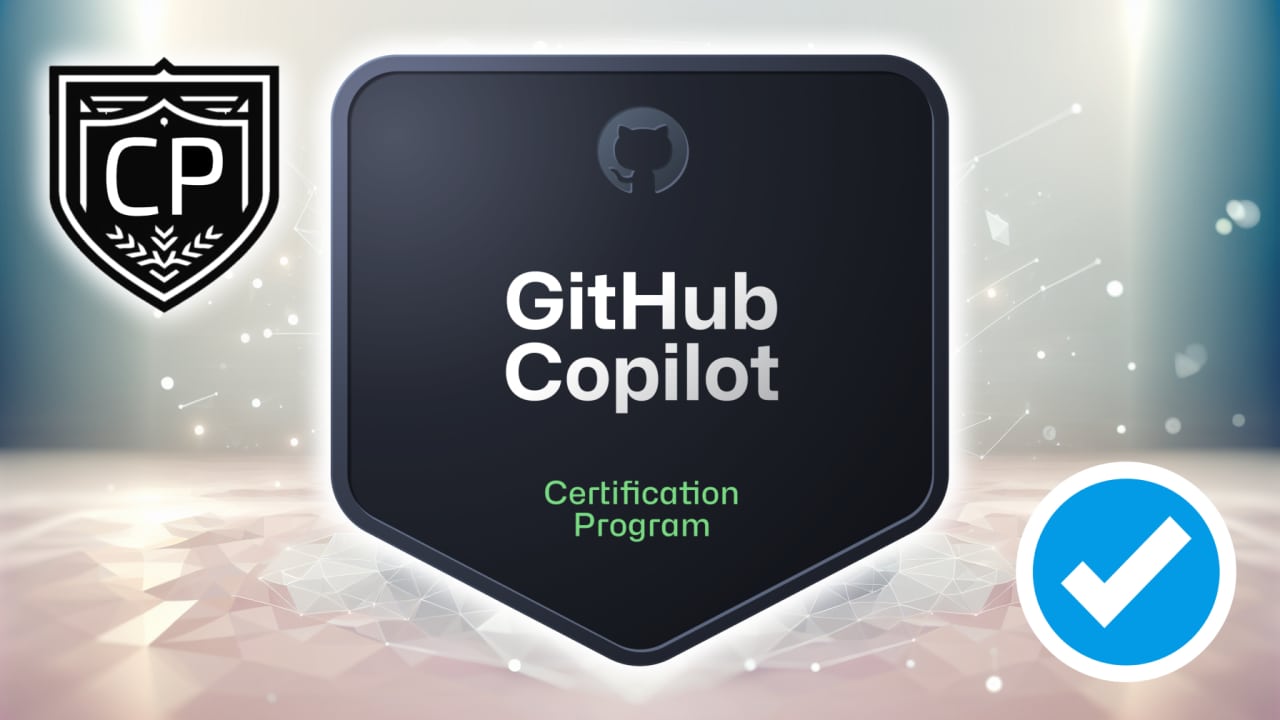
The GitHub Copilot Certification celebrates your ability to harness the power of AI to improve developer productivity and collaboration. This overview gives you a clear view of the exam structure, helping you focus your learning and prepare with confidence for every topic covered.
How does the GitHub Copilot Certification validate your AI-assisted development skills?
The GitHub Copilot Certification demonstrates your understanding of how to use GitHub Copilot responsibly, efficiently, and effectively across the entire software development lifecycle. It confirms your knowledge of Copilot’s features, data handling, prompt crafting, testing support, and integration into different development environments. By earning this certification, you show that you are ready to lead the way in AI-augmented development and responsible adoption of generative AI tools.
Who Should Pursue the GitHub Copilot Certification (Exam GH-300)?
The GitHub Copilot Certification (Exam Code: GH-300) is perfect for developers, DevOps engineers, app makers, technology managers, and anyone who wants to demonstrate proficiency with AI-assisted software development. It validates your ability to integrate GitHub Copilot into daily workflows to improve productivity, collaboration, and code quality.
Whether you’re a practicing software developer, a tech professional aiming to master AI tools, or a leader managing engineering teams, this certification helps you stand out. It proves your capability to embrace the future of development where AI and automation accelerate coding efficiency.
What Type of Roles Benefit from the GitHub Copilot Certification?
Earning this certification can strengthen your opportunities across roles that value AI-augmented development and productivity enhancement. Popular roles that benefit include:
- Software Developer or Engineer
- DevOps Engineer or Platform Engineer
- Application Maker or Solution Designer
- Technical Project or Product Manager
- Technology and Engineering Team Lead
It’s also valuable for anyone guiding digital transformation initiatives where AI in software development is becoming standard practice.
What Is the Exam Format and Structure for GH-300?
The GitHub Copilot Certification Exam includes 65 questions presented in multiple formats such as multiple-choice, multi-select, and case study questions. You’ll have a total of 100 minutes to complete the exam through Pearson VUE, and it will be proctored to ensure exam integrity.
This design closely mirrors real-world usage, ensuring that your theoretical understanding is balanced with practical application scenarios.
How Much Does the GitHub Copilot Certification Exam Cost?
The exam cost is $99 USD, though the exact price may vary slightly based on your country or region. This cost represents access to one of the most innovative certifications available, merging AI and software development.
Think of it as an investment in future-readiness—a small price to pay for proven competence in AI-powered coding with GitHub Copilot.
How Many Questions Are on the Exam and How Long Will It Take?
You’ll face 65 total questions, with the exam duration set at 100 minutes. Each question is crafted to evaluate your conceptual understanding, applied knowledge, and problem-solving skills in realistic coding and operational settings.
To make the most of your time, practice pacing during your preparation. Allocating roughly one minute per question leaves you flexibility to revisit more complex case-based scenarios.
What Score Is Required to Pass?
To become certified, you need to earn a passing score of 70% or higher. Scoring is designed to assess your cumulative understanding across all skill domains, meaning you don’t have to pass each domain separately.
Reaching this score demonstrates that you possess the practical knowledge to responsibly, securely, and skillfully apply GitHub Copilot across different development contexts.
In Which Languages Can I Take the Exam?
The GitHub Copilot Certification is offered in multiple languages, allowing professionals around the world to take it in the language most comfortable to them. The exam is available in English, Spanish, Portuguese (Brazil), Korean, and Japanese.
This multilingual availability supports global developers and enterprises adopting AI-enhanced coding practices.
Who Is the Provider of This Certification?
The GitHub Copilot Certification is officially maintained by GitHub and delivered through Microsoft Credentials. After successfully passing the exam, you’ll hold an industry-recognized certificate issued jointly by Microsoft and GitHub—two leaders shaping the modern software development landscape.
What Topics Are Covered on the GH-300 Exam?
The GitHub Copilot Certification evaluates your knowledge across seven core domains, each focusing on both understanding and practical application. The domains and their respective weights are:
- Responsible AI
- GitHub Copilot Plans and Features
- How GitHub Copilot Works and Handles Data
- Prompt Crafting and Prompt Engineering
- Developer Use Cases for AI
- Testing with GitHub Copilot
- Privacy Fundamentals and Context Exclusions
What Skills Does This Exam Validate?
GH-300 validates your ability to use GitHub Copilot responsibly, efficiently, and securely. Key skills measured include:
- Configuring and managing Copilot plans and enterprise features
- Crafting and refining prompts for optimized AI output
- Applying privacy, context, and exclusion settings appropriately
- Using Copilot for code testing, security analysis, and code optimization
- Understanding how Copilot handles data and model limitations
By earning this certification, you demonstrate real-world mastery of integrating AI into the software development lifecycle.
How Long Is the GitHub Copilot Certification Valid?
Once achieved, the GitHub Copilot Certification remains valid for two years. After that period, you can renew it by retaking the current version of the exam. This ensures your skills stay aligned with the fast evolution of AI-assisted tools and industry best practices.
Is There a Practice Assessment Available?
Yes. Microsoft provides a practice assessment that closely mirrors the difficulty and structure of the actual exam, allowing you to self-evaluate and refine your study approach. It’s one of the best ways to identify knowledge gaps and gain confidence before the live test.
To enhance your readiness further, try a realistic GitHub Copilot practice exam designed to simulate actual testing conditions and deliver detailed answer explanations.
What Are the Prerequisites for the GitHub Copilot Certification?
There are no formal prerequisites for the GH-300 exam. However, it’s recommended that you have hands-on experience using GitHub Copilot in an IDE environment and a foundational understanding of software development principles. Familiarity with concepts like repositories, pull requests, version control, and prompt engineering will help you perform at your best.
What Areas Should I Focus My Studies On?
Key study areas should include:
- Setting up and optimizing GitHub Copilot for Individual, Business, and Enterprise use
- Configuring content exclusions, duplication detection, and audit logging
- Practicing prompt creation and refinement
- Understanding Copilot Chat, the CLI, and IDE integrations
- Applying AI ethically and securely under Responsible AI guidelines
Emphasize real-world experimentation in your own GitHub projects to reinforce theoretical study.
What Is the Difficulty Level of the GH-300 Exam?
This is considered an intermediate-level certification, intended for those with prior exposure to GitHub and basic coding experience. While it’s approachable, it requires thoughtful understanding of how AI assists—and sometimes limits—developer workflows.
Candidates who actively practice using Copilot in everyday development will find the exam both intuitive and rewarding.
Are There Any Resources To Help Me Prepare?
Absolutely! Microsoft Learn hosts a dedicated GitHub Copilot Fundamentals learning path split into two parts, covering everything from setup to integration in coding environments. In addition, review the Exam GH-300 study guide and explore community tutorials, blogs, and discussion boards.
Practical exercises and guided labs offer invaluable real-world experience when preparing for the exam.
What Jobs Can This Certification Lead To?
The GitHub Copilot certification adds significant value to your resume in fields that combine coding, automation, and intelligent systems. It supports roles like:
- AI Development Engineer
- GitHub Administrator
- DevOps Automation Specialist
- Software Development Team Lead
- AI Productivity Consultant
It’s also useful for those moving into AI adoption or developer productivity strategy roles within organizations.
Can I Retake the Exam If I Don’t Pass the First Time?
Yes. You can retake the exam 24 hours after your first attempt. For subsequent attempts, Microsoft’s retake policy introduces longer waiting periods, giving you time to reflect and study before reattempting. Each new attempt requires a new exam voucher purchase.
How Should I Schedule My Exam?
You can schedule your GitHub Copilot Certification exam through Pearson VUE, available both online via remote proctoring and at authorized testing centers. Microsoft advises using a personal Microsoft account rather than a work email to retain access to your records even if you change organizations.
How Can I Use My GitHub Copilot Certification in My Career?
Beyond validating your technical skill set, this certification demonstrates leadership in adopting AI responsibly and effectively. You can highlight it in resumes, LinkedIn profiles, and professional portfolios to show your expertise in AI coding assistance, showcasing your ability to innovate faster and with greater quality assurance.
Is There Official Documentation or an Exam Page?
Yes. You can find complete and verified details directly through the official Microsoft certification page for GitHub Copilot. It includes the most up-to-date exam requirements, resources, and certification maintenance policies.
The GitHub Copilot Certification (Exam GH-300) is more than just a credential—it’s an affirmation that you’re ready for the future of AI-assisted software development. By preparing smartly and practicing consistently, you’ll gain not only a globally recognized badge but also the confidence to code, test, and collaborate with AI as a trusted teammate.